 Binary Cipher


Step 1: Open DBvisualizer and click on New connection
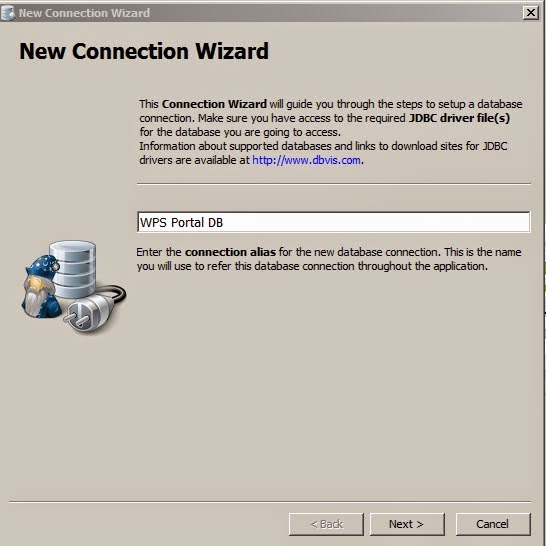
Give a name to it, click next,
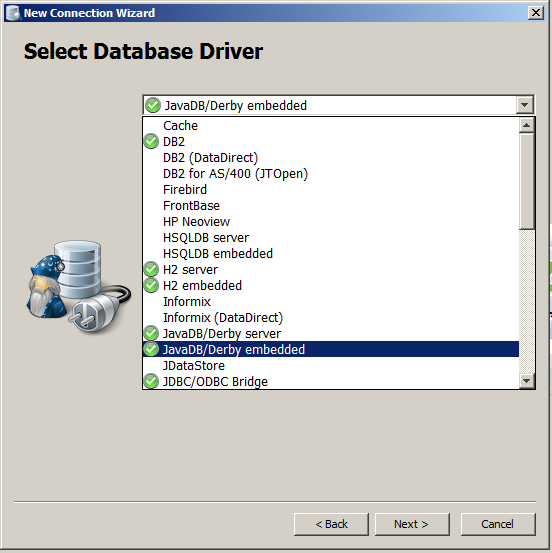
Select JavaDB/Derby Embedded, click next,
Give user id , and password as portal admin, and Database is : C:IBMWebSpherewp_profilePortalServerderbywpsdb
That is the location where portal derby data bases resides.

Then click finish.