 Binary Cipher


In this tutorial, we will be creating AEM Project using MAven archetype 23
Prerequisites: Make sure you already installed JAVA 11 and setup JAVA_HOME and also installed Maven and setup MAVEN_HOME environment variables
open terminal and navigate your project folder and replace the below variables with appTitle, appId and groupId
mvn -B archetype:generate
  -D archetypeGroupId=com.adobe.aem
  -D archetypeArtifactId=aem-project-archetype
  -D archetypeVersion=37
  -D aemVersion=6.5.0
  -D appTitle="Binary Cipher"
  -D appId="binarycipher"
  -D frontendModule=none
  -D language=en
  -D groupId="com.bcipher"
For more parameters and customizations of the command please refer adobe doc
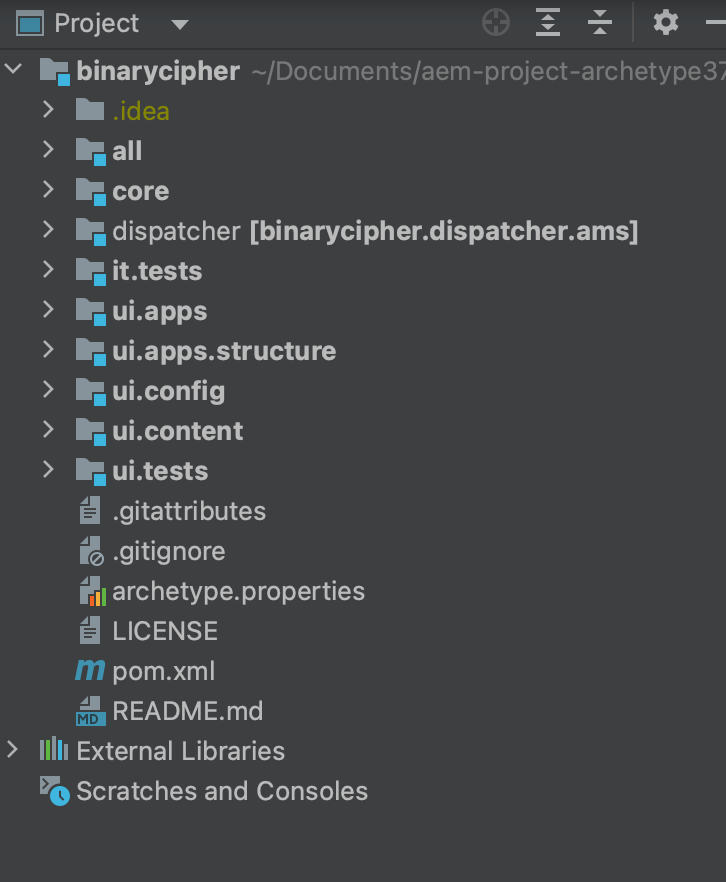
Navigate to the project path and execute the below command to run
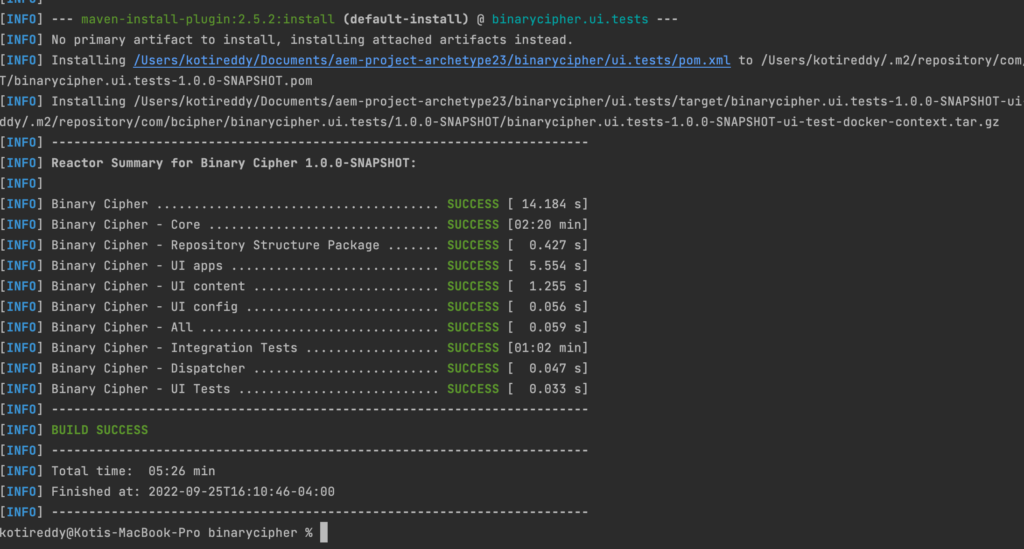
mvn clean install